Hospital admin & owner · 2 min read
Billing and your trial
Check your subscription status, trial countdown, seats, and plan, and how to change it.
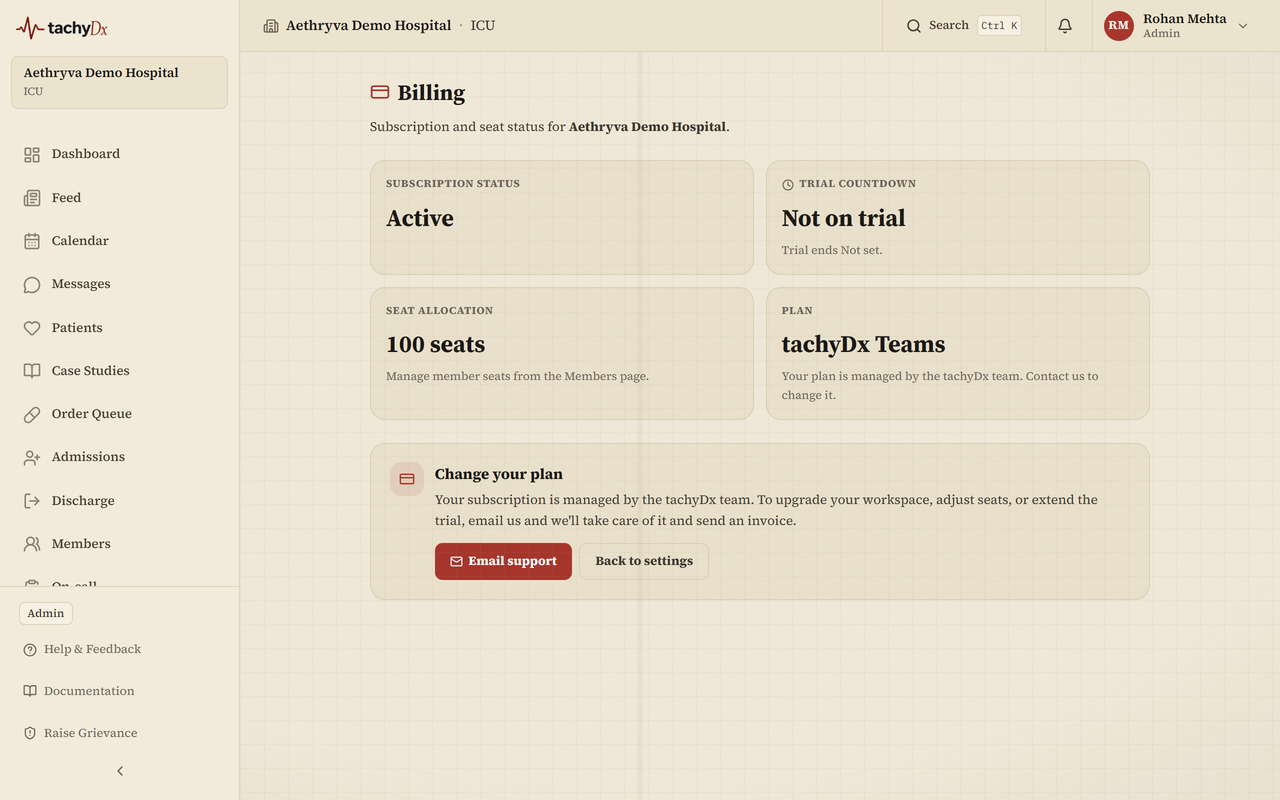
The Billing page is admin/owner only. It shows where your hospital stands on the trial and how many seats you're using.
What Billing shows
- Subscription status — e.g. Trial.
- Trial countdown — days remaining and the end date.
- Seat allocation — your seat count (default 50). Manage individual seats from the Members page.
- Plan — your current plan, tachyDx Teams.
Changing your plan
tachyDx Teams is managed by our team, so there's no online checkout to configure. To upgrade your workspace, adjust seats, or extend your trial, use Email support on the Billing page (support@tachydx.com) and we'll take care of it.