Pharmacist, clerk, and member
How pharmacy, records/front-desk, and read-only observer roles work day to day.
Beyond doctors and nurses, three roles keep the hospital running: pharmacists, clerks (medical records), and members (observers).
Pharmacist — the Order Queue
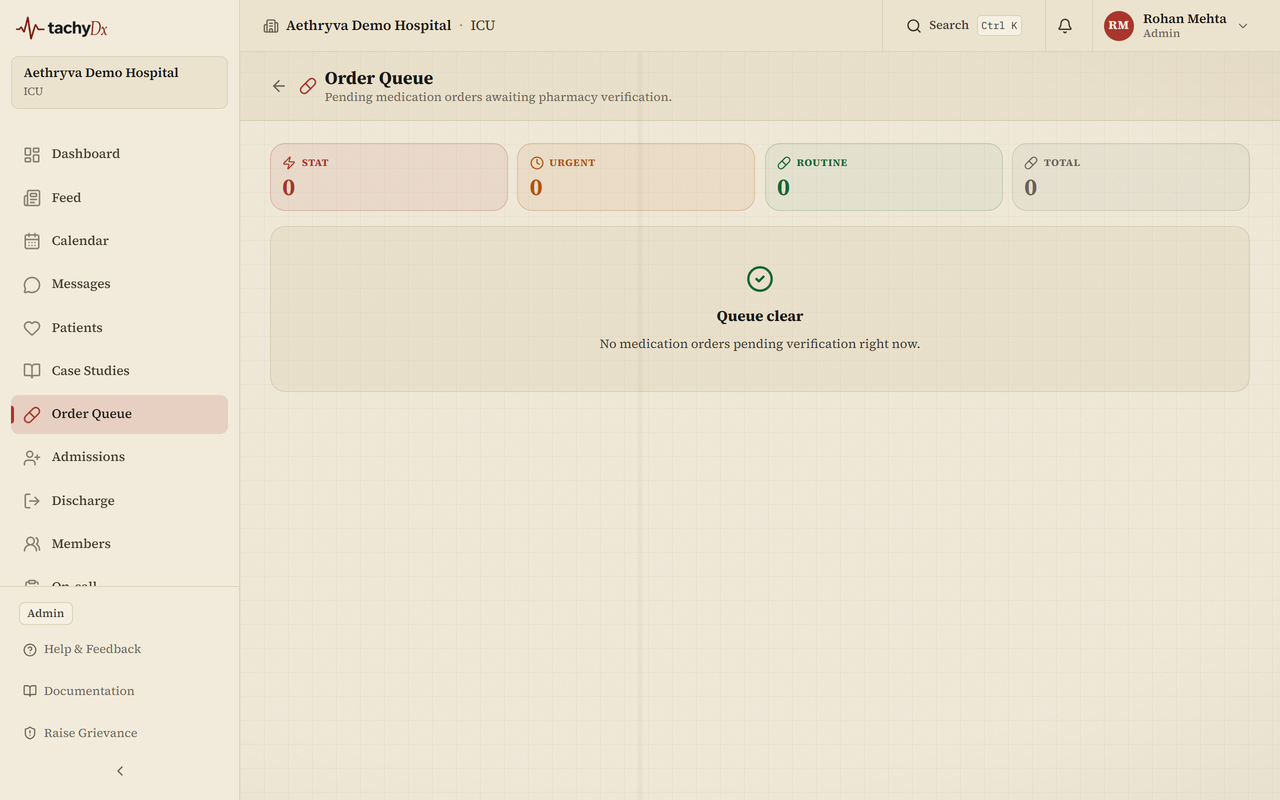
Open Order Queue from the sidebar. It lists pending medication orders awaiting pharmacy verification, with a summary strip (Stat / Urgent / Routine / Total). Orders are sorted STAT → urgent → routine, then newest, and each row shows the priority, the patient and bed, the order text, and who ordered it. Select a row to open the patient's chart, where you verify and dispense from the Orders tab. When there's nothing pending, the queue reads Queue clear.
Note
There isn't a separate pharmacist MAR screen — verification and dispensing happen in the patient chart's Orders tab.
Clerk (MRO) — records and uploads
The clerk role runs the front desk and medical records, and appears in-product as MRO (Medical Records Officer). The dashboard's quick actions are Register Patient, Find Patient, and Bulk Import, with stats for admissions, discharges, pending uploads, and active patients.
To upload a document, open the patient's chart, go to the Documents tab, and select Upload (or Imaging for scans). Accepted files include PDF, JPG, PNG, WebP, and Word documents; you can tag the document type (Lab Report, Imaging, Discharge Summary, Prescription, Consent Form, Surgical Note, Referral, or Other).
Note
“Pending uploads” counts recent uploads — it isn't an approval queue, as documents don't have a review workflow. The MRO Insurance / billing card is a placeholder for a v2 release.
Member — read-only observer
The member role is a read-only observer with no clinical write access. A member only sees the views an admin has granted from a small set of capabilities: view patients, manage billing, manage staff, and view audit log.
- With no capabilities granted, the dashboard shows “No views configured” and asks the member to contact their admin.
- With capabilities granted, matching tiles appear (recent admissions, staff roster, audit-log highlights).
- Members can't raise Code Blue or take clinical actions — the interface deliberately shows observer-level views only.