Research & publishing · 3 min read
Asking a clinical question
Post a publication-quality question on the research portal to start a discussion.
The research portal is a physician Q&A platform. A well-formed question attracts detailed, evidence-based answers — and the best discussions can become peer-reviewed papers.
Post a question
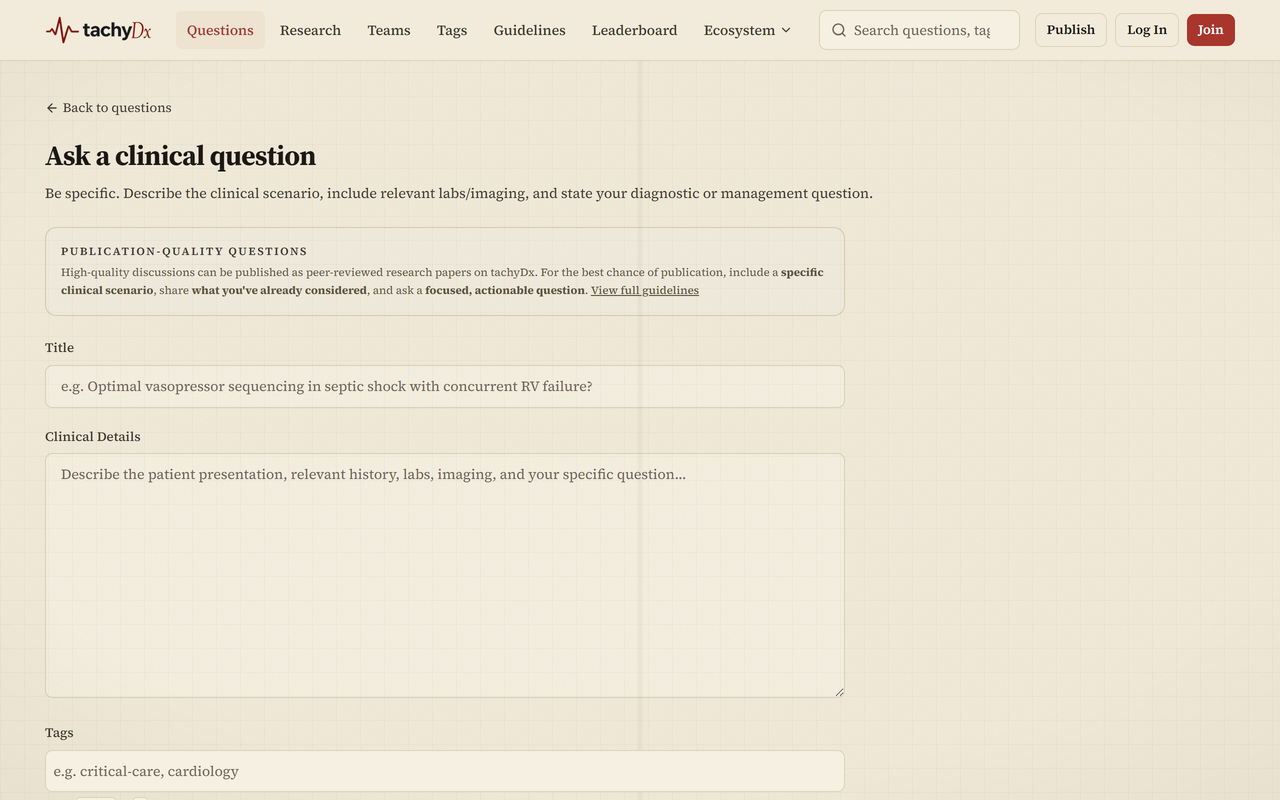
- 1Go to Ask a clinical question (the Ask a Question button in the top bar).
- 2Write a specific Title — e.g. a focused clinical scenario rather than a broad topic.
- 3Fill in Clinical Details: the presentation, relevant history, labs, imaging, and your specific question.
- 4Add Tags (comma-separated). The first tag becomes the specialty.
- 5Optionally attach files — JPG, PNG, WebP, or PDF; up to 5 files, 10MB each (medical images, lab reports, ECGs).
- 6Optionally turn on Post anonymously (your specialty and verified status still show; admins can see your identity for moderation).
- 7Complete the CAPTCHA and select Post Question.
Tip
For scoring criteria and worked examples of strong questions and answers, see the platform Guidelines page.